Your data: a C# class
[PdfDataSource("Invoice")]
public record InvoiceDto(
    string Number,
    CustomerDto Customer,
    List<LineDto> Lines,
    decimal Total);
Get started
You design the template visually inside Visual Studio or VS Code. When you build, it is embedded in your DLL. In production your code generates the PDF on the server, without a browser and without files to copy.
[PdfDataSource("Invoice")]
public record InvoiceDto(
string Number,
CustomerDto Customer,
List<LineDto> Lines,
decimal Total);
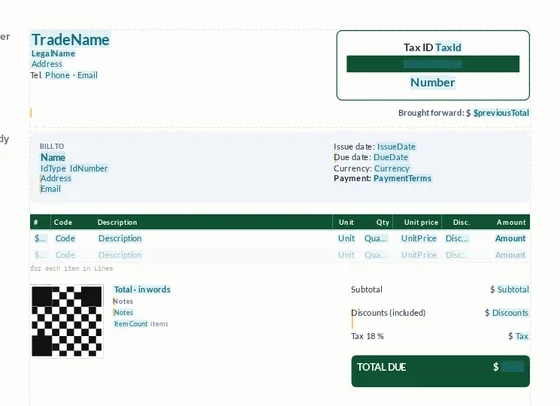
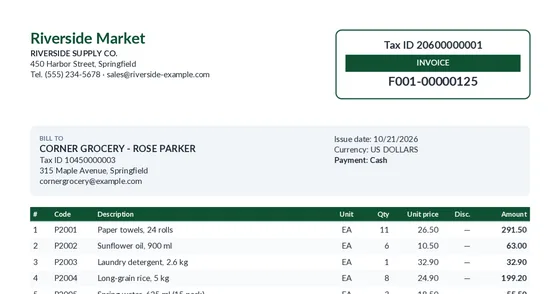
Install only one. XtudioPdf.AspNetCore already includes the engine.
| Your project | Package |
|---|---|
| Web API, Minimal API, MVC or Razor Pages (ASP.NET Core) | XtudioPdf.AspNetCore |
| Worker Service, console, desktop (WPF, WinForms, MAUI), Azure Functions or your own library | XtudioPdf.Core |
Requires .NET 8 or .NET 10. Runs on Windows, Linux, macOS and Docker. .NET Framework (4.x) is not supported.
Extensions → Manage Extensions → search for “XtudioPdf” → Install, and restart Visual Studio.
Extensions (Ctrl+Shift+X) → search for “XtudioPdf” → Install.
That's all. The first time you open a .pdfx, the extension installs the designer by itself (the xtudiopdf tool) and keeps it up to date. Without an extension, install it by hand: dotnet tool install -g XtudioPdf.Tool
Right-click the folder where you keep your reports and add an XtudioPdf document. Give it a name, for example Invoice.
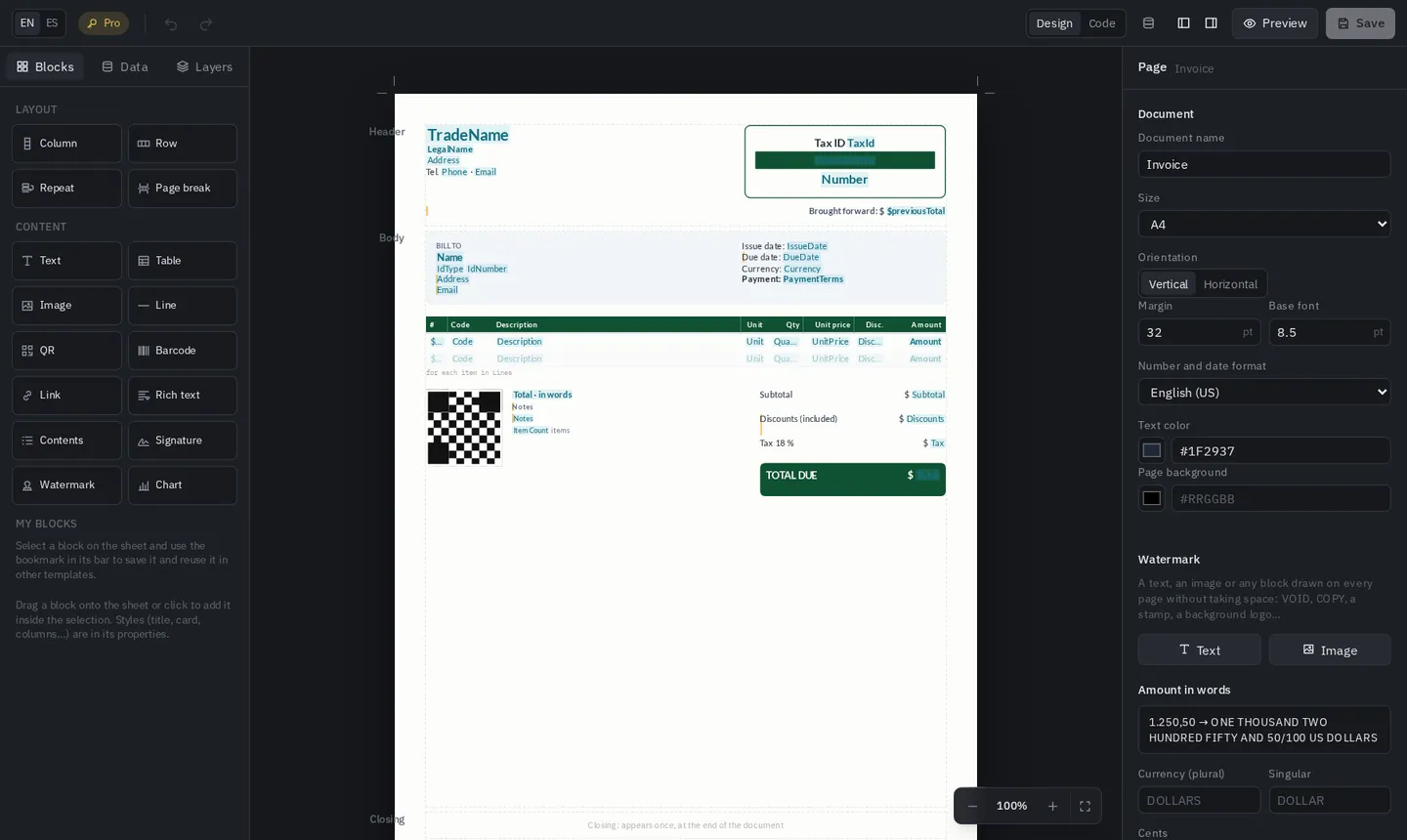
xtudiopdf new InvoiceDouble-click Invoice.pdfx and the designer opens as one more tab of your editor. You don't need to run your app.
 1
2
3
4
1
2
3
4
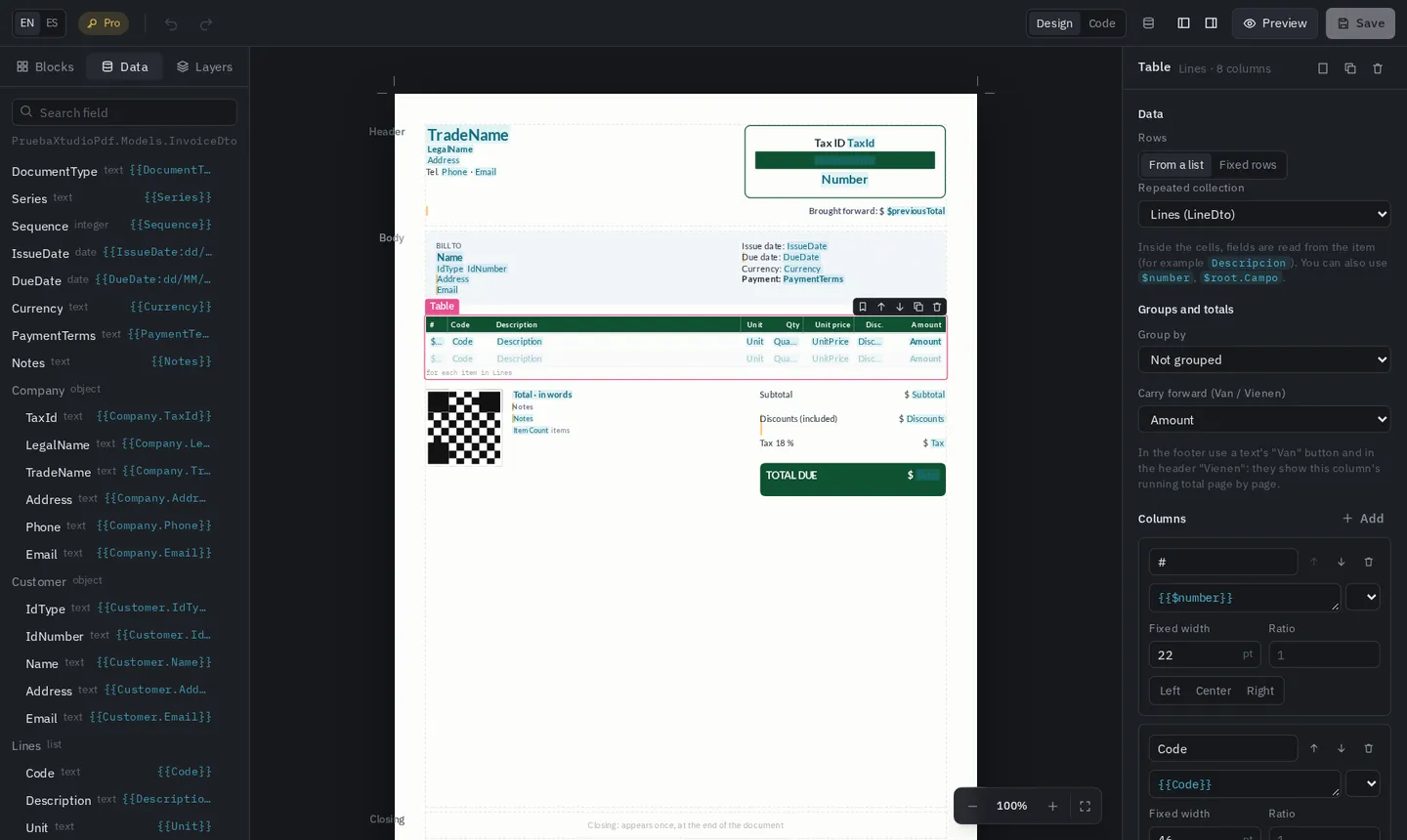
The Data tab lists the properties of your class. You never type a field by hand: you choose it.
 1
2
3
4
1
2
3
4
{{Customer.Name}}.{{Total:N2}} or the amount in words {{Total:letras}} go after the colon.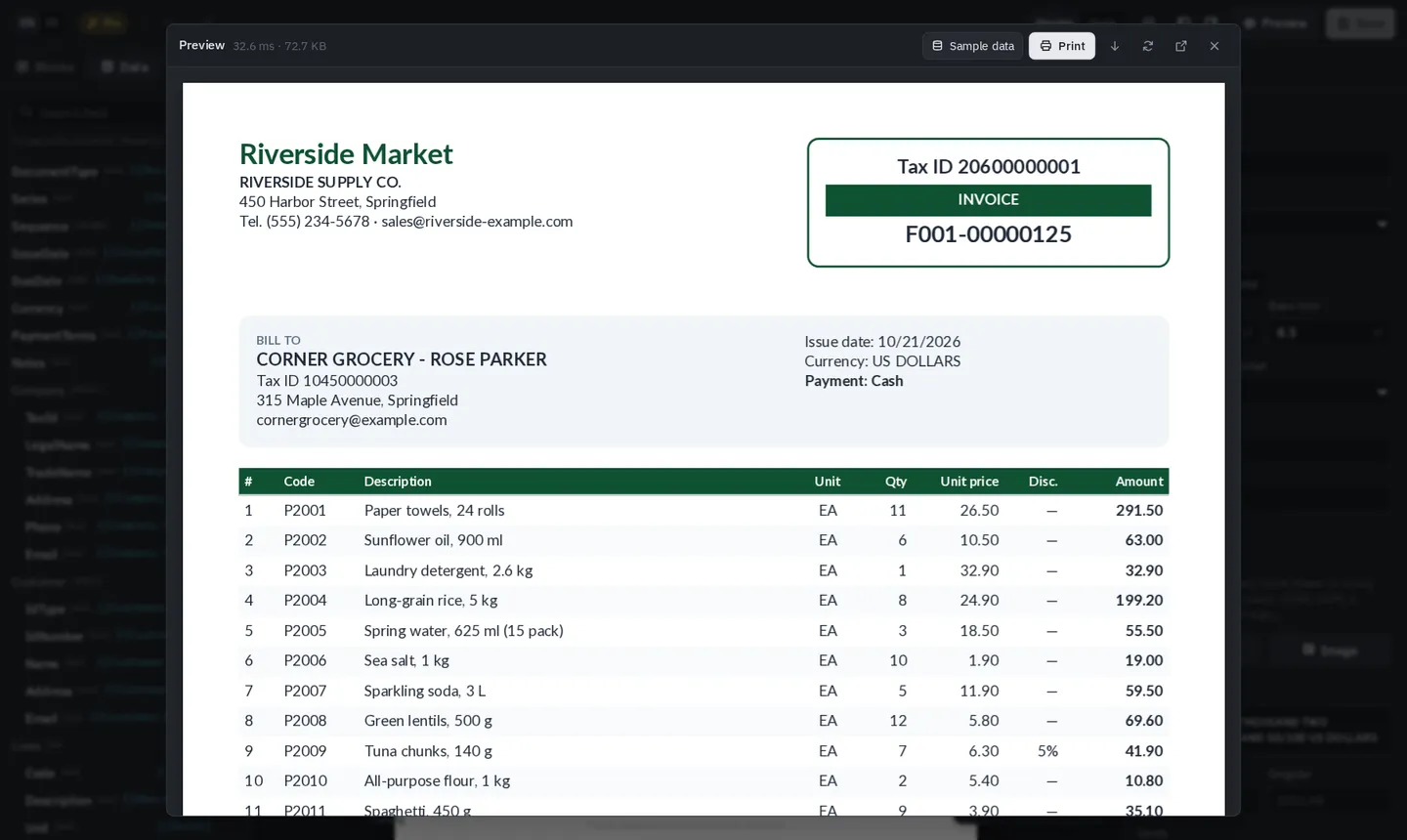
The preview uses your sample data: the .sample.json file next to the template, or a static GetSampleData() method in your class.
Every .pdfx in the project is embedded when you build and checked against its class: if a field doesn't exist, the compiler warns you.
// Program.cs
builder.Services.AddPdfReports();

// Reports/InvoiceReport.cs: created for you; XtudioPdf completes it from the .pdfx
public sealed partial class InvoiceReport
{
    public byte[] Generate(InvoiceDto data) => Render(data);
}

// Your endpoint returns the PDF
app.MapGet("/invoices/{id:int}/pdf", async (int id, InvoiceReport report, AppDb db) =>
    await db.Invoices.FindAsync(id) is { } invoice
        ? Results.File(report.Generate(invoice), "application/pdf", $"invoice-{id}.pdf")
        : Results.NotFound());
Without ASP.NET Core (XtudioPdf.Core):
var templates = new PdfTemplates().AddAssembly(typeof(Program).Assembly);
byte[] pdf = templates.Render("Invoice", invoice);
What you do with the bytes is up to you: return them from your API, save them, attach them to an email or send them to the tax authority with the XML.
Community works without a key and includes 100% of features for individuals and companies under $1M USD annual revenue. With a Pro key, put it in appsettings.json or in the XTUDIOPDF_LICENSE_KEY environment variable.
"XtudioPdf": { "LicenseKey": "XTPD.…" }